What is kinora
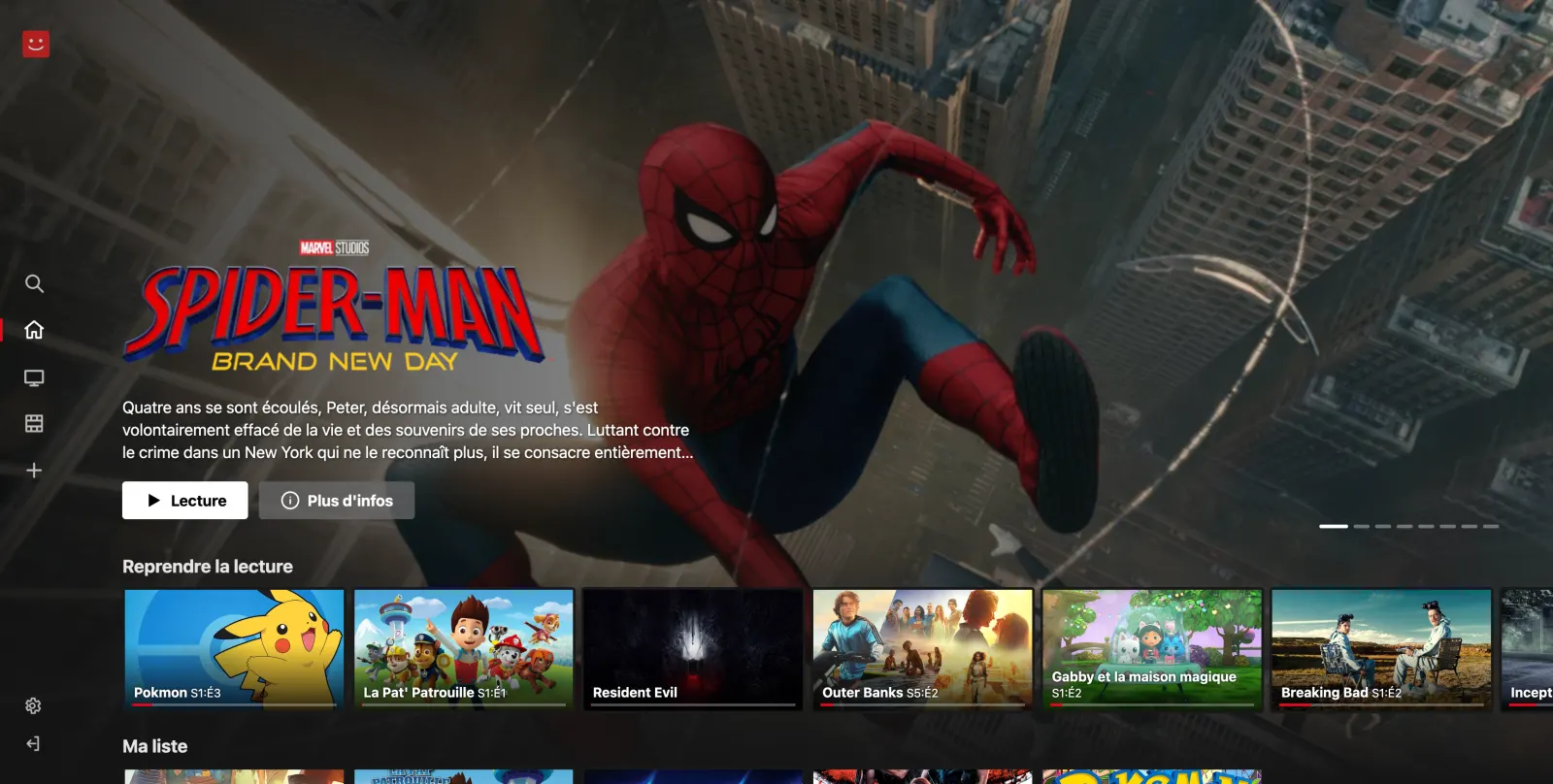
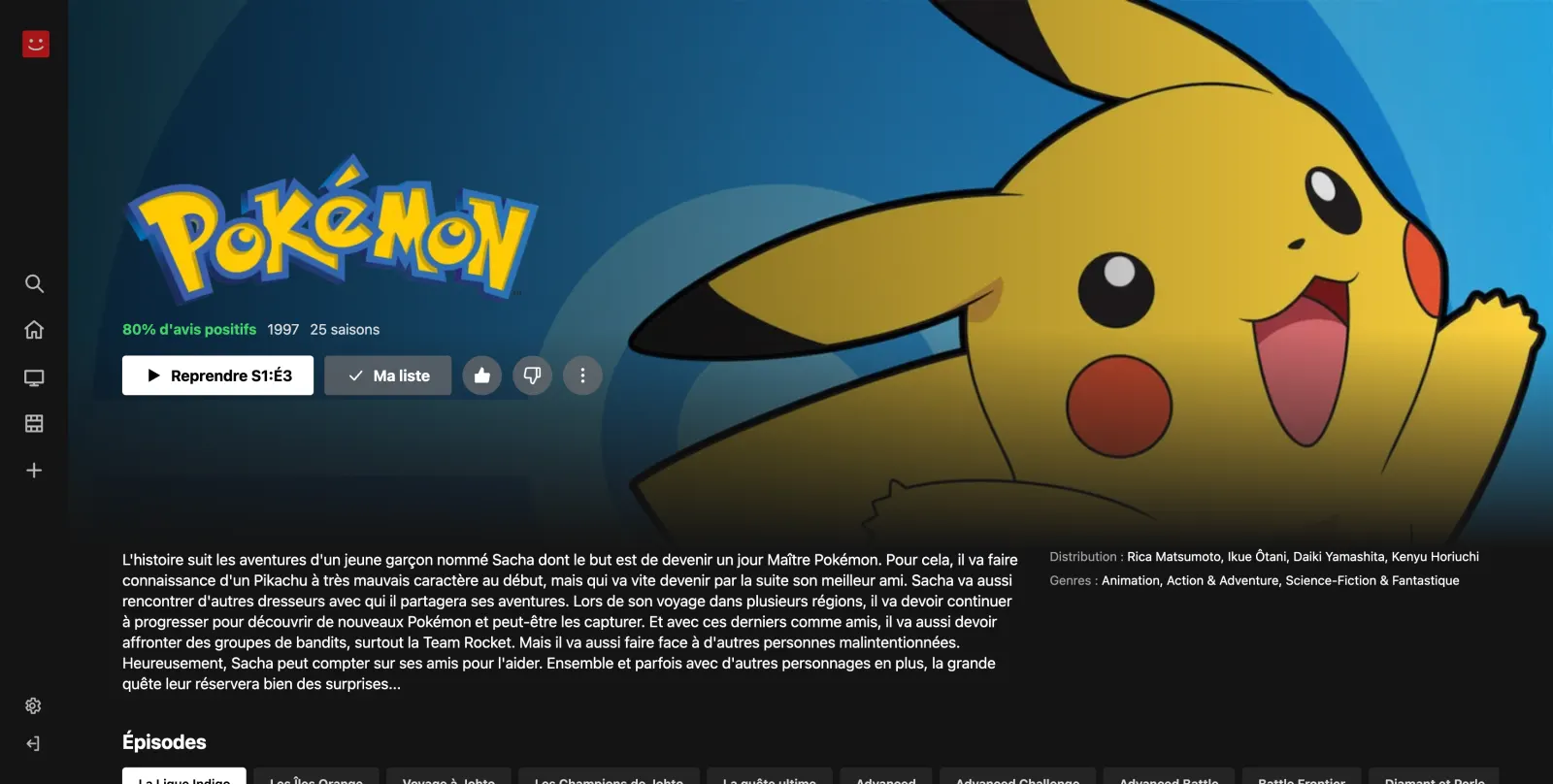
kinora is a self-hosted streaming server with a Netflix-style interface. You run it on your own machine, open it in a browser or on your Android TV, pick a movie or an episode, and press play.
How it works
- Catalog: everything you browse (trending, genres, title pages, seasons, episodes) comes from TMDB.
- Sources: when you press play, kinora queries every active source in parallel for that movie or episode. The source engine is a Go port of Kodi addons, without Kodi: vStream for French and Scrubs V2 for English.
- Hosters: each embed link (vidzy, uqload, lulustream...) is resolved to an HLS or MP4 stream. kinora measures the real resolution of each one and starts the best, falling back to the next link if one fails.
- Proxy: the stream goes through your server, which sends the Referer and User-Agent the CDNs expect. Stream URLs are signed with HMAC and expire after 12 hours, so it is not an open proxy.
Features
- Netflix-style home with rows, a hero, "Continue watching", a list per profile and watch history.
- Accounts created by the admin, up to 5 profiles per account.
- Skip intro and skip credits on anime, from the community timestamps of AniSkip.
- A native Android TV app that updates itself from the server.
- Sites behind a Cloudflare challenge, through an optional FlareSolverr.
- Site domains synced automatically every 6 hours. Nothing to configure.
What you need
- A machine that runs Docker (a NAS, a home server, a small VPS).
- A free TMDB API key.
Ready? Head to the installation guide.
note
kinora does not host any content. It finds links on third-party websites. Check what your local law allows before you stream.
License
kinora is free and open source under the GNU AGPL v3.